Every photo has a palette. Frame it.
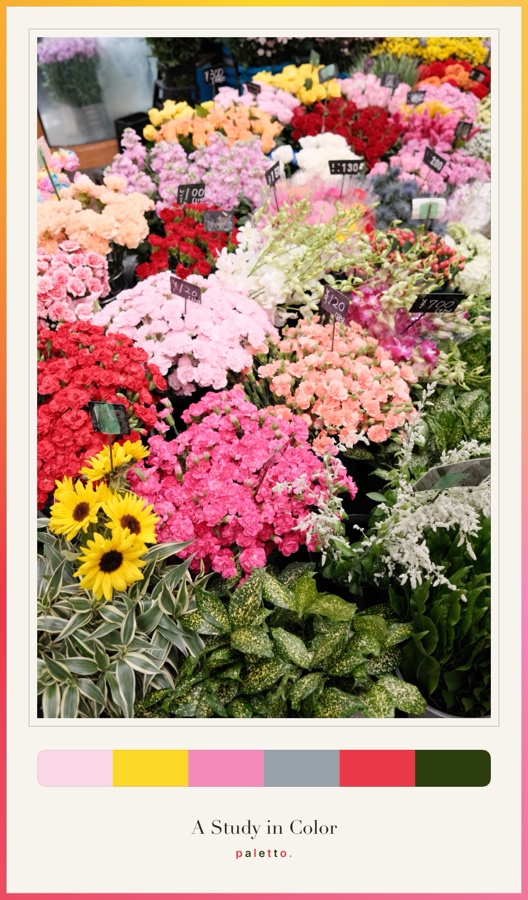
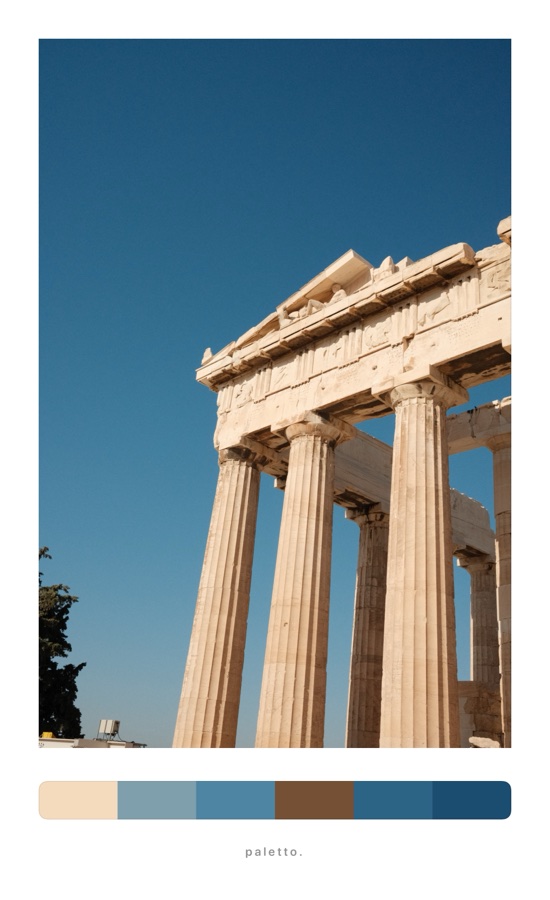
Paletto finds the colors that make your photo, even the faint ones other pickers lose, and sets it in a gallery matte with a strip of swatches. Post it, or hang it at 300 dpi.
No account. No ads. Your photos never leave your phone.


How it works
From camera roll to gallery wall in three taps.
Pick a photo
From your library, the camera, or the share sheet in Photos. Up to four at once for a board.
Paletto reads its colors
Four to eight swatches, sorted light to dark or by hue. Lock the ones you love, tap the photo to pick your own.
Frame, share, print
Sized for the feed, Stories or the print shop, at up to 300 dpi.

The palette
It sees the pale blue. Not just “gray”.
Most color pickers average your photo into mud. Paletto keeps the big colors and protects the small accents, so the ice stays icy and one red door still makes the strip.
- Every swatch is a color that's really in the photo, never a blend
- Tap a swatch, drag on the photo, and pick it yourself
- Lock your favorites and shuffle the rest
Swatches
Strip, dots or blocks. Big or small.
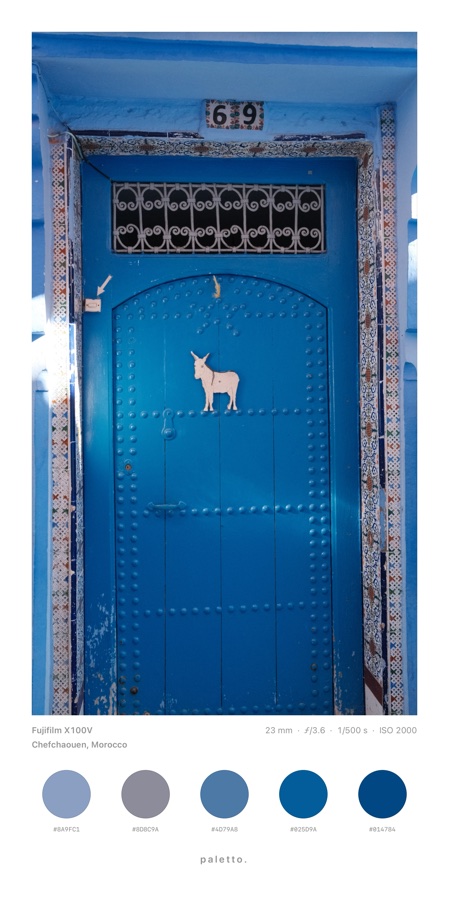
Four to eight colors, sized and rounded the way you like, sorted light to dark or by hue. Add the hex codes under each one.
The details
Where it was. How it was shot.
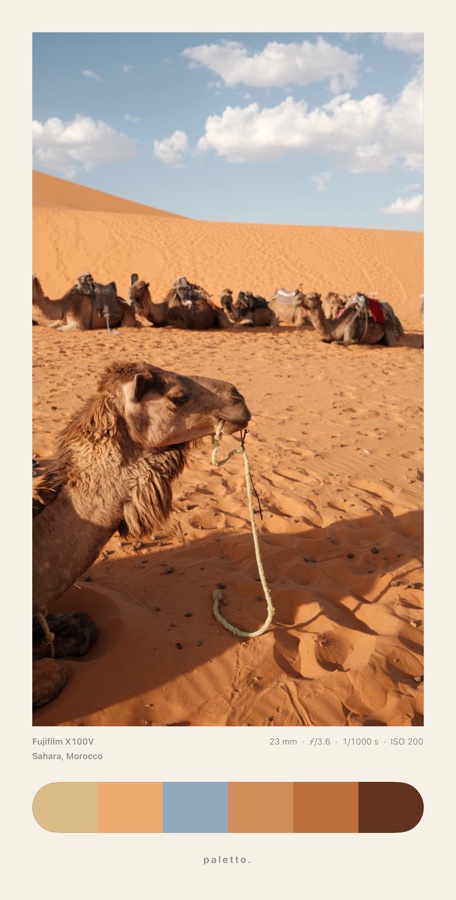
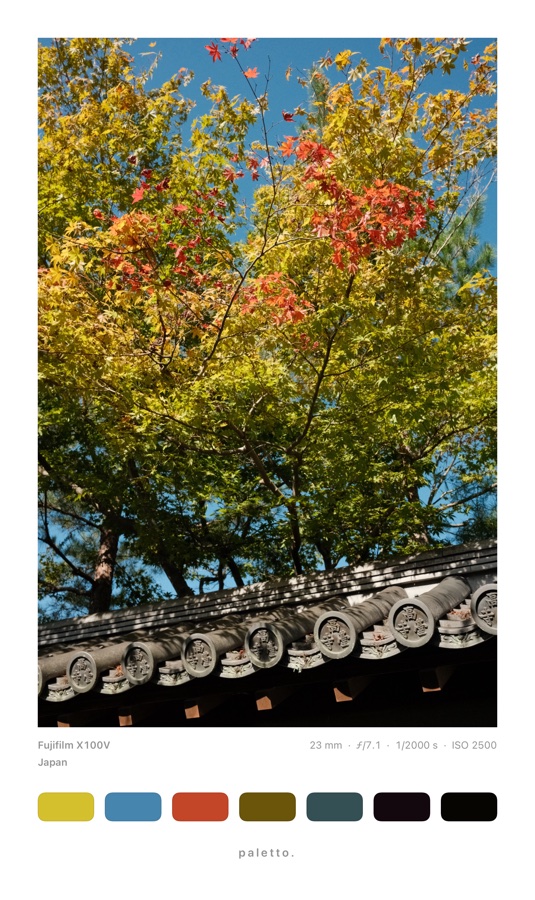
Paletto reads the camera's own record from the photo and can print it under the frame: camera, lens, aperture, shutter and ISO. If the photo knows where it was taken, add the place, the coordinates, or both.
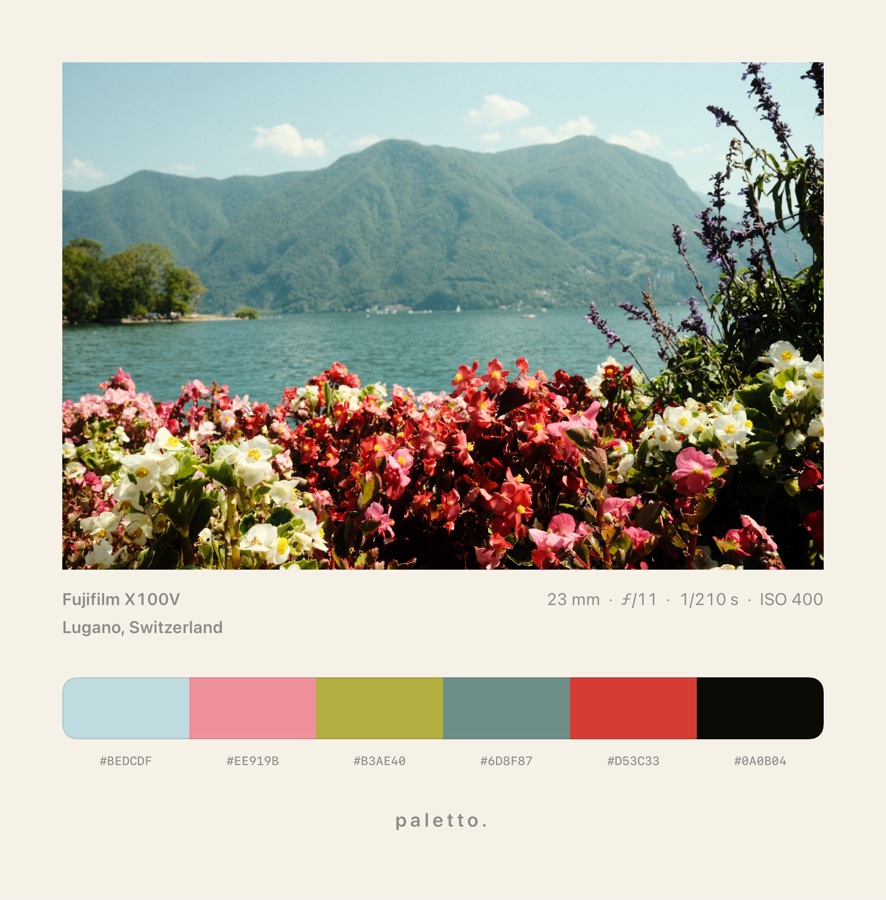
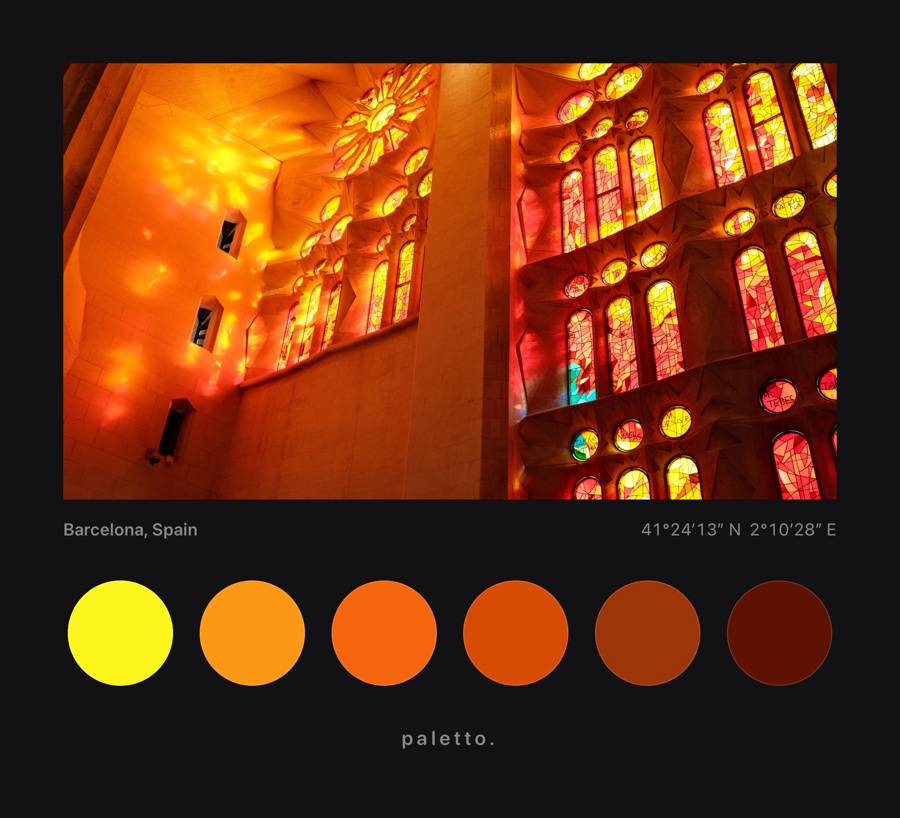
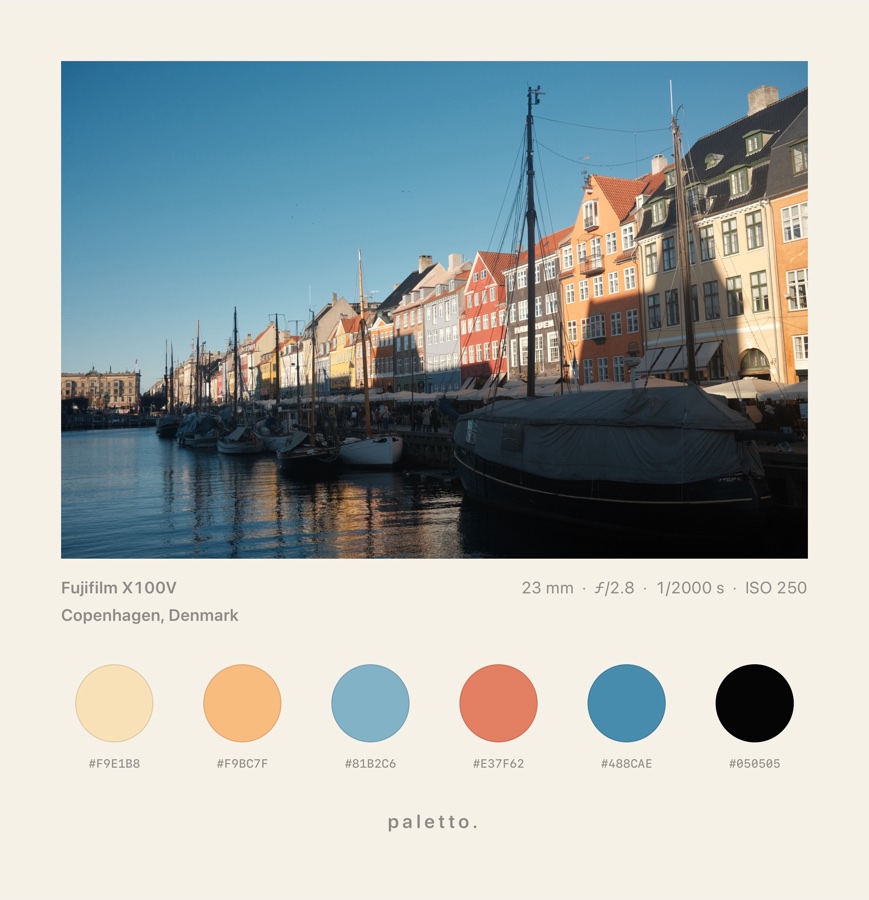
Frames
One photo. Every mood.
Classic white, a film strip, a record sleeve, a garden. Swipe through the frames and watch the palette follow.
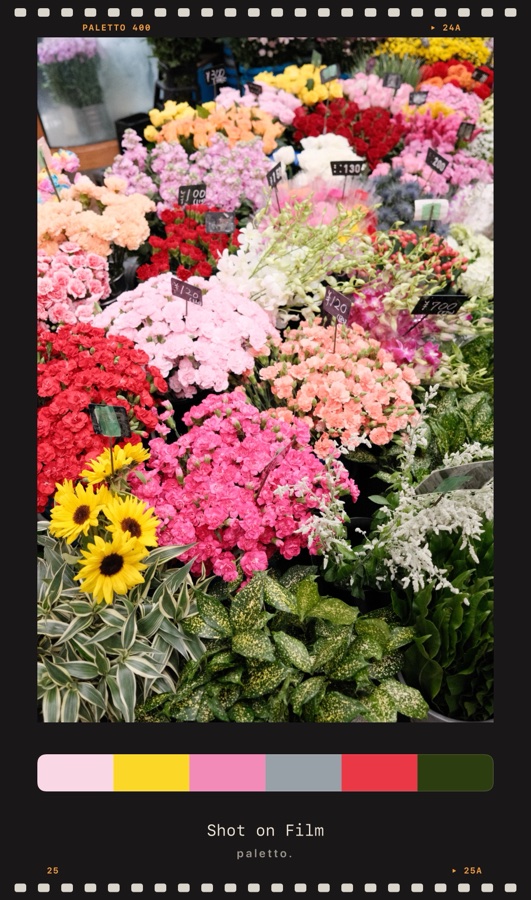
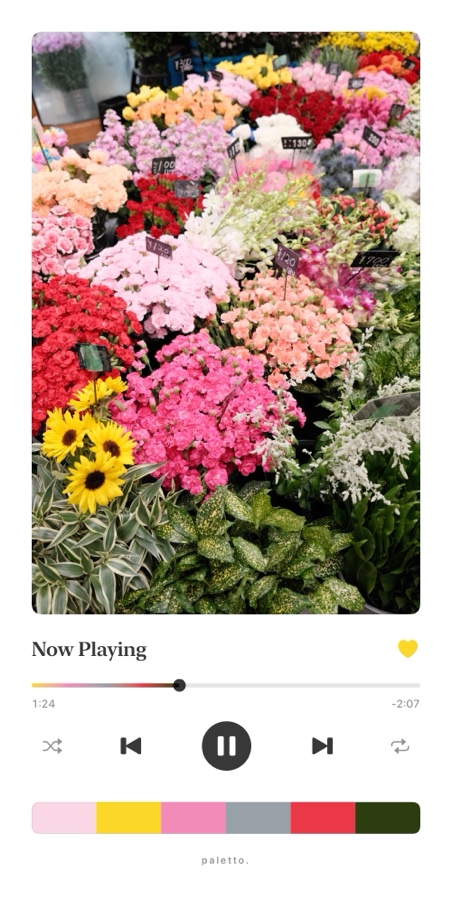
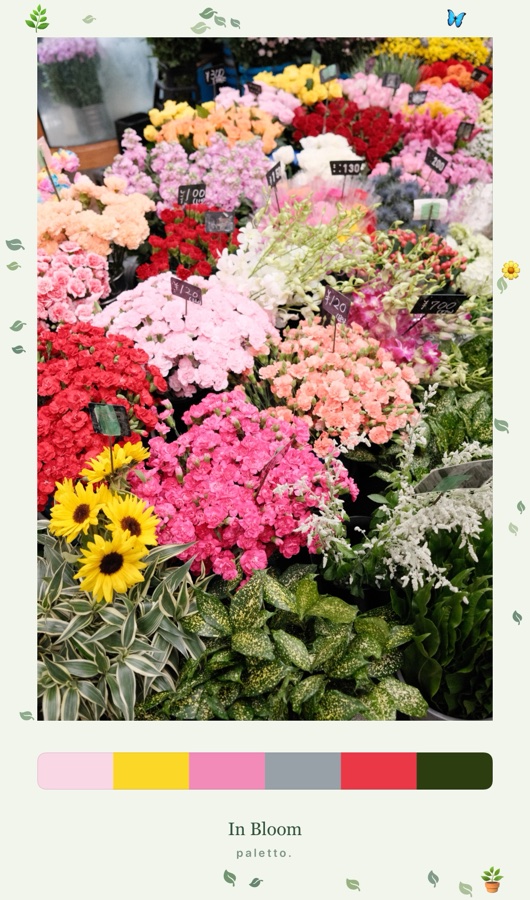
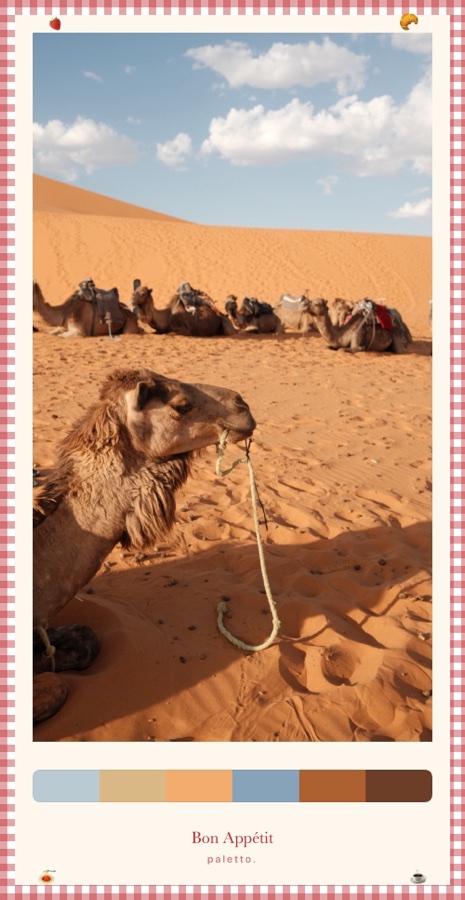
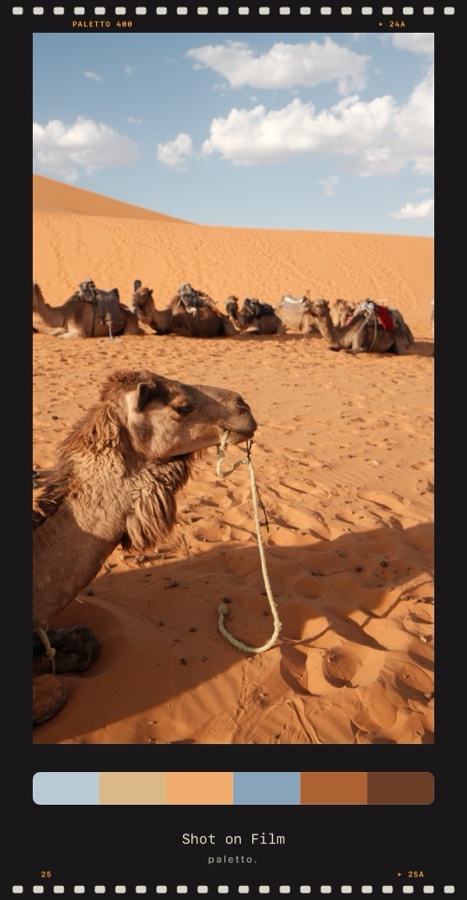
Plus Safari, Surf, Travel, Space, Camping, Pets, and seasonal mattes from Halloween to Lunar New Year.

Boards
Your whole trip. One palette.
Put two to four photos on one matte and Paletto finds the colors they share. A blue door, the Sahara, a rug market: one strip that tells the story.

Made for the wall, not just the feed.
Every frame is drawn to scale, so the print is exactly what you saw on screen. Take it to the print shop at 300 dpi.
For designers
Straight into Procreate, Figma and your stylesheet.
Every swatch in HEX, RGB, HSL, CMYK and OKLCH, a tap to copy. Matched to the nearest RAL Classic paint and web color, for the paint shop or the code.
Everywhere you are
Built into your iPhone.
Share sheet
Frame a photo straight from Photos, without opening the app.
Instagram Stories
Send a frame to your Story as a sticker, over its own colors.
Look links
Send a friend your frame style. Their next photo starts the same way.
Home-screen widget
Your latest palette, always one glance away.
Palette of the Day
An optional morning note with a palette from your own gallery.
Your Colours
A year in color: the shades that made your year, ready for your Story.
The gallery
Hang them together.


Pricing
Free to frame. Pro to finish.
Free
- The Classic frame in white, cream or black
- 4 to 8 colors, strip, dots or blocks
- Pick, lock and shuffle swatches
- Every color code, plus RAL and web matches
- Sized for the feed, square and Stories
- Three starter looks, the widget and the share sheet
Paletto Pro
Everything in Free, plus the finishing touches.
- Every themed frame: Film, Music, Safari, Surf, Travel and seasonal mattes
- Boards of two to four photos
- Print sizes at 300 dpi, PDF, and a reveal video for Reels
- Procreate, Tailwind and SwiftUI exports, hex codes on the frame
- Mattes in the photo's colors, your signature, caption typefaces
- Saved looks, batches of 50 photos, re-edit any frame
Prices in US dollars; the App Store shows yours. Try every Pro frame free; you only pay when you save.
Questions
Good to know.
Do my photos get uploaded?
Never. Paletto reads colors and draws frames on your iPhone or iPad. There are no accounts, no ads, no analytics and no servers.
Which devices does it run on?
iPhone and iPad with iOS 17.4 or later.
How big can I print?
With Pro, up to A3 at 300 dpi, plus 5×7, 8×10 and A4, and a PDF your print shop will take as-is.
Can I use the palettes in Procreate or Figma?
Yes. Pro exports Procreate .swatches, and every plan can copy HEX, RGB, HSL, CMYK and OKLCH codes or export an Adobe .ase file.
Can I try Pro before paying?
Yes. Every Pro frame and option previews for free in the editor. The paywall appears only when you save or share.
I bought Pro on another device.
Open Paletto, tap the crown, then Restore Purchase. Pro follows your Apple Account. More on the support page.
Your camera roll is a gallery waiting to happen.
Share yours with #framedwithpaletto and we'll feature our favorites.